
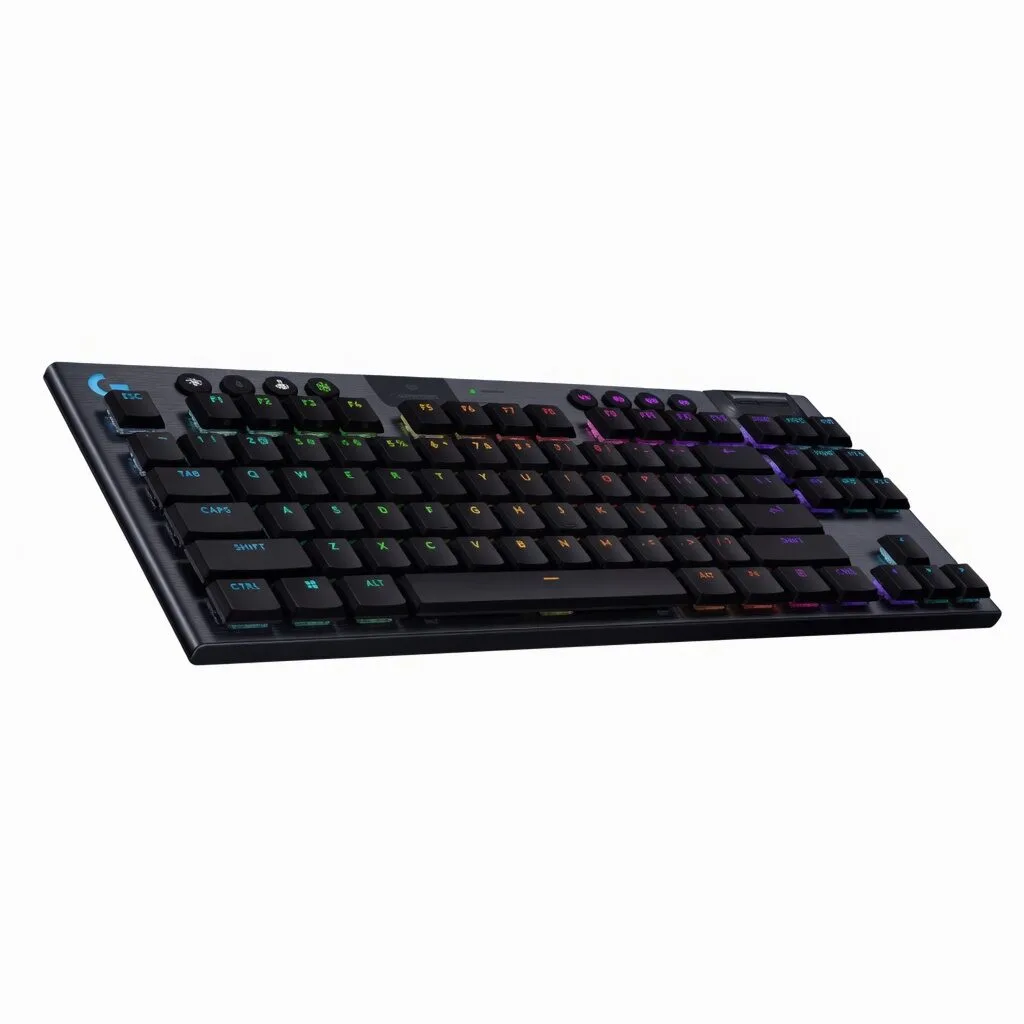
The Real Reason Your Gaming Keyboard is So Expensive (And How to Find a Better Deal)
The $200 Question: Why Are Some Gaming Keyboards So Pricey?
Walk into any electronics store or browse online, and you’ll see a dizzying array of mechanical gaming keyboards. You’ll also see a dizzying range of prices. A slim, wireless, tenkeyless (TKL) model from a major brand might cost you well over $150, while a visually similar keyboard from a lesser-known name could be a fraction of that price. What gives? Is the expensive one really that much better?
The answer, in many cases, lies not in the core technology but in a long and costly journey from the factory to your desk. This journey is often filled with hidden markups that you, the gamer, end up paying for.
Behind the Price Tag: The Retail Markup Chain
The keyboard that a factory produces doesn’t just magically appear in a retail store. The typical path involves several layers, each adding to the final cost:
- The Manufacturer: This is the factory that actually designs and builds the keyboard. They have their production cost and a base profit margin.
- The Brand: A major brand buys the keyboard from the factory (sometimes with minor cosmetic changes), adds their logo, and invests heavily in marketing, sponsorships, and elaborate packaging. This can significantly increase the unit cost.
- Distributors & Retailers: The brand then sells to regional distributors, who sell to retailers. Both add their own markup to cover their operational costs and make a profit.
By the time that keyboard reaches you, its price may have been marked up at every single step. The core components might be excellent, but you’re also paying for multiple layers of logistics, marketing campaigns, and retail overhead.
How to Identify Real Value in a Gaming Keyboard
Savvy buyers are starting to look past the big brand names and focus on the source. By understanding what truly matters in a keyboard, you can find incredible value. Here’s what to focus on:
- The Switches: The switch determines the feel of each keystroke. While certain brand names dominate the market, many factories now produce their own high-quality mechanical switches that offer the same popular feels (linear, tactile, clicky) without the associated licensing fees.
- Core Features: Do you need complex RGB software and a dozen macro keys, or do you need reliable wireless performance and a solid, comfortable typing experience? Focusing on essential features like connectivity and build quality over flashy extras can save you a lot.
- The Source: Look for products that come from an OEM/ODM (Original Equipment Manufacturer/Original Design Manufacturer). These are the factories that often produce the hardware for the big brands. Buying closer to the source means you can bypass many of the markups.
A Prime Example: The allwinOEM/ODM
A perfect illustration of this value is the allwinOEM/ODM Wireless Slim Mechanical Gaming Keyboard. The “OEM/ODM” in its name is your first clue that you’re looking at a product closer to the factory floor.
This keyboard delivers the features modern gamers demand without the inflated price tag. It boasts a sleek, slim profile and the tenkeyless (TKL) layout that frees up valuable desk space for your mouse. Its wireless connectivity gives you a clean, cable-free setup.
Most importantly, it offers a choice of mechanical switches—T-Switch (Brown-like tactile), L-Switch (Red-like linear), and C-Switch (Blue-like clicky)—that provide the distinct feels gamers and typists love. By using their own high-performance switches, the factory delivers the experience without passing on brand-name costs. The clean, single-color backlighting is another smart choice, providing essential visibility for late-night sessions without the expense of complex RGB systems.
Get the Edge Without Paying the Premium
You don’t need to spend a fortune to get a competitive, high-quality gaming keyboard. By understanding where the costs come from, you can make smarter choices and get more performance for your money. Instead of paying for a brand’s marketing budget, you can invest in solid engineering and essential features direct from the source.
If you’re ready to see what factory-direct value looks like, check out the specs and features of the Wireless Mechanical Keyboard. It’s a clear example of how to get the pro-grade features you want, without the price you don’t.


Add comment